

With LetsReg we save at least 7 hours of admin every week. Registration, payment and attendee management all happen automatically, which frees up a lot of time in the day.
 Bernt Jo VoleLiverpool International Football Academy

Keep in touch
Keep everyone booked in the loop, from confirmation to reminder. Email, SMS and invitations included.

No more email hunting. Reach everyone booked straight from the attendee list. Pick who gets it and send it by email, text or both.
Features
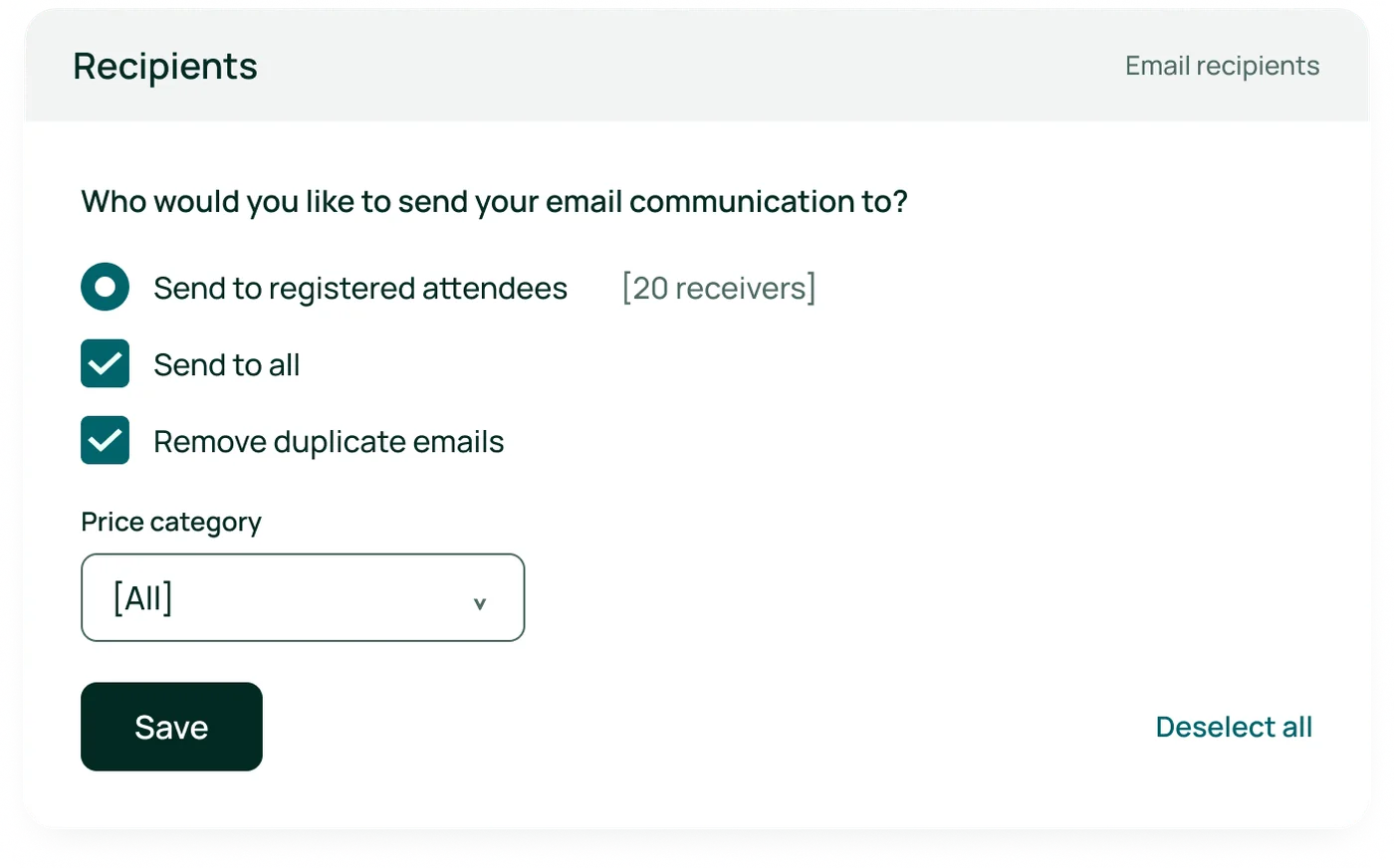
It's simple to be advanced
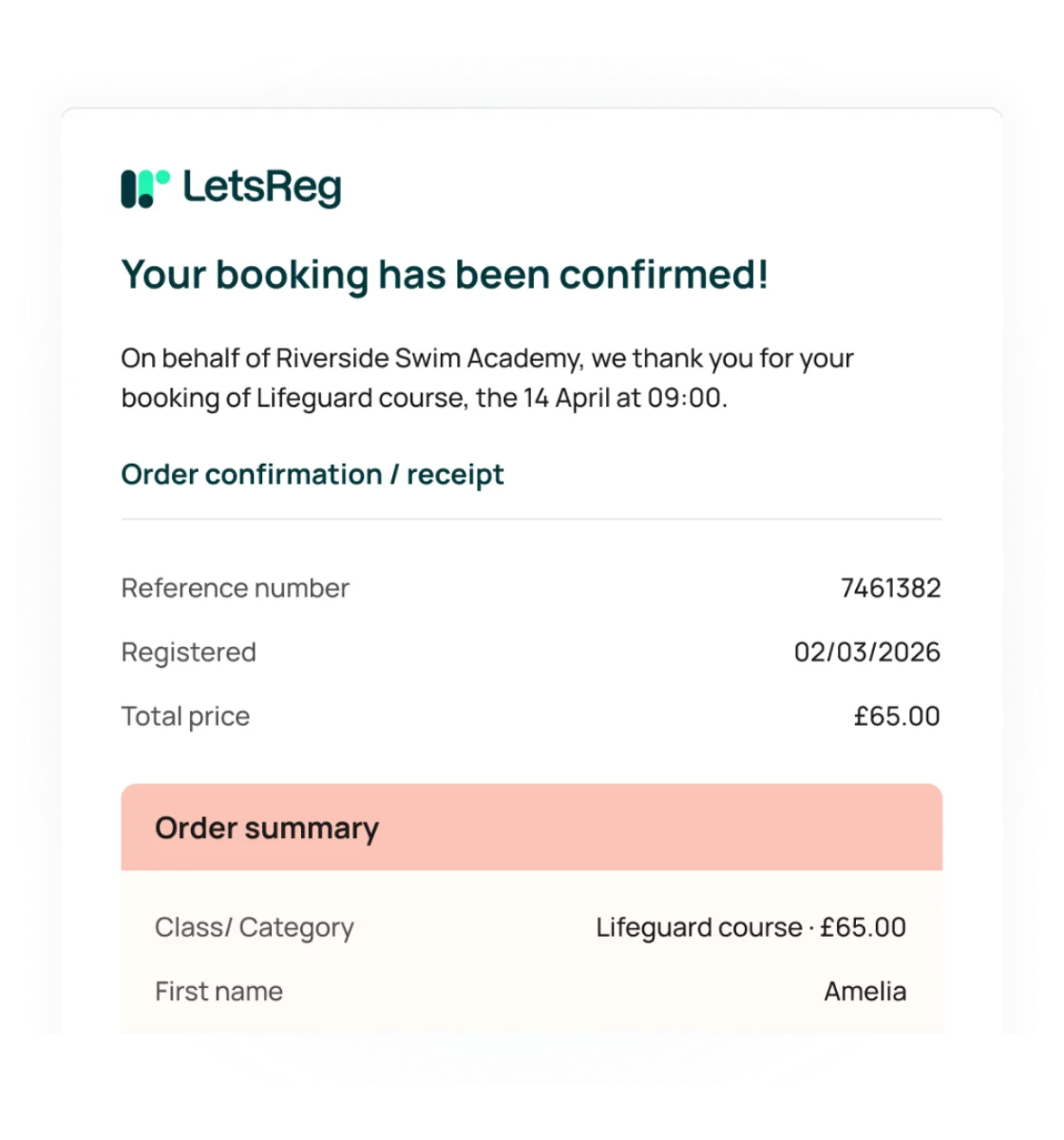
Amelia books the lifeguard course at 11pm. By 11:01 she has the confirmation, the date and the receipt. You find out in the morning.
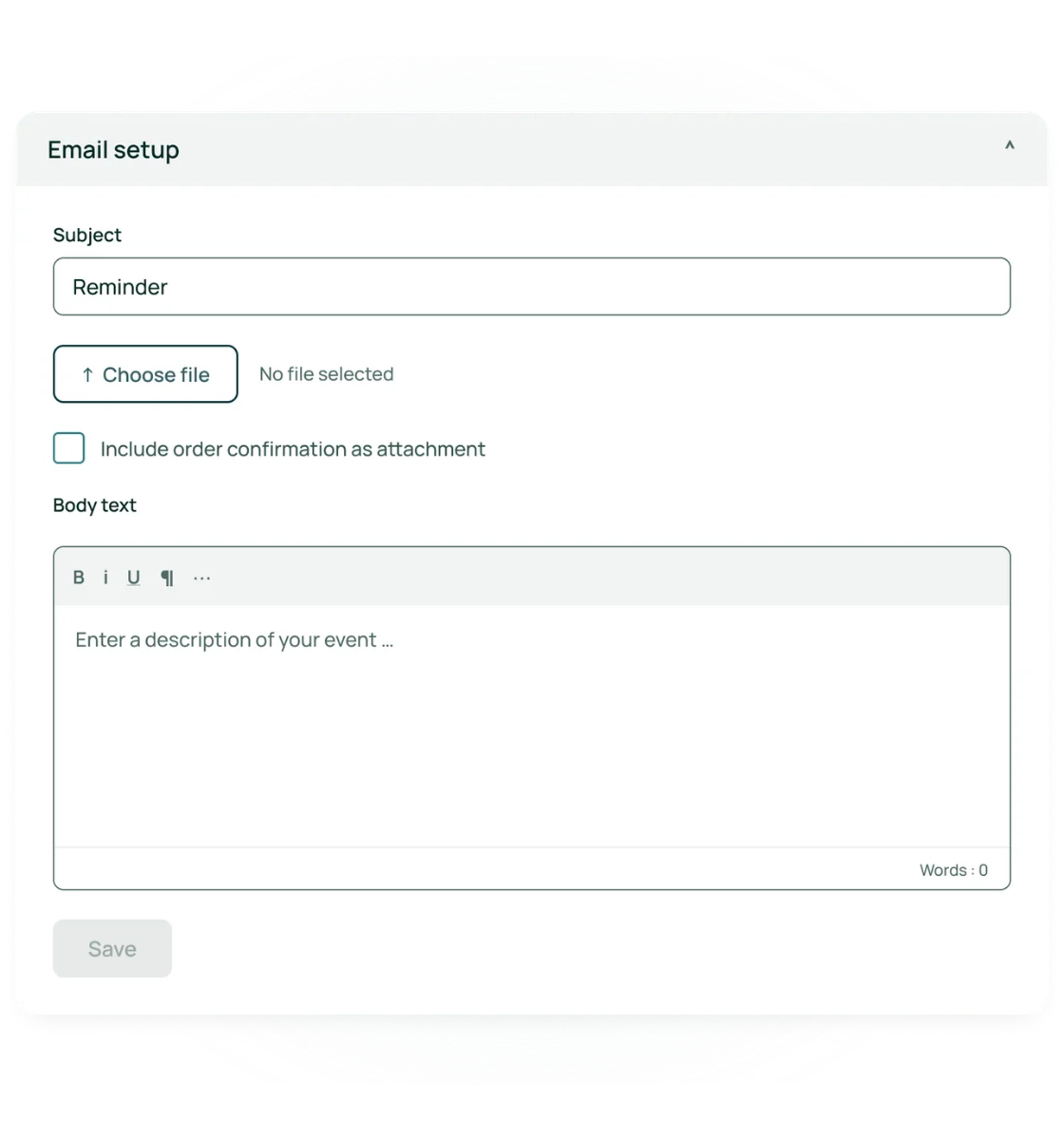
Subject: Reminder. «Pool opens at 9, bring a towel.» Attach the order confirmation and they've got the QR code for check-in in the same email.
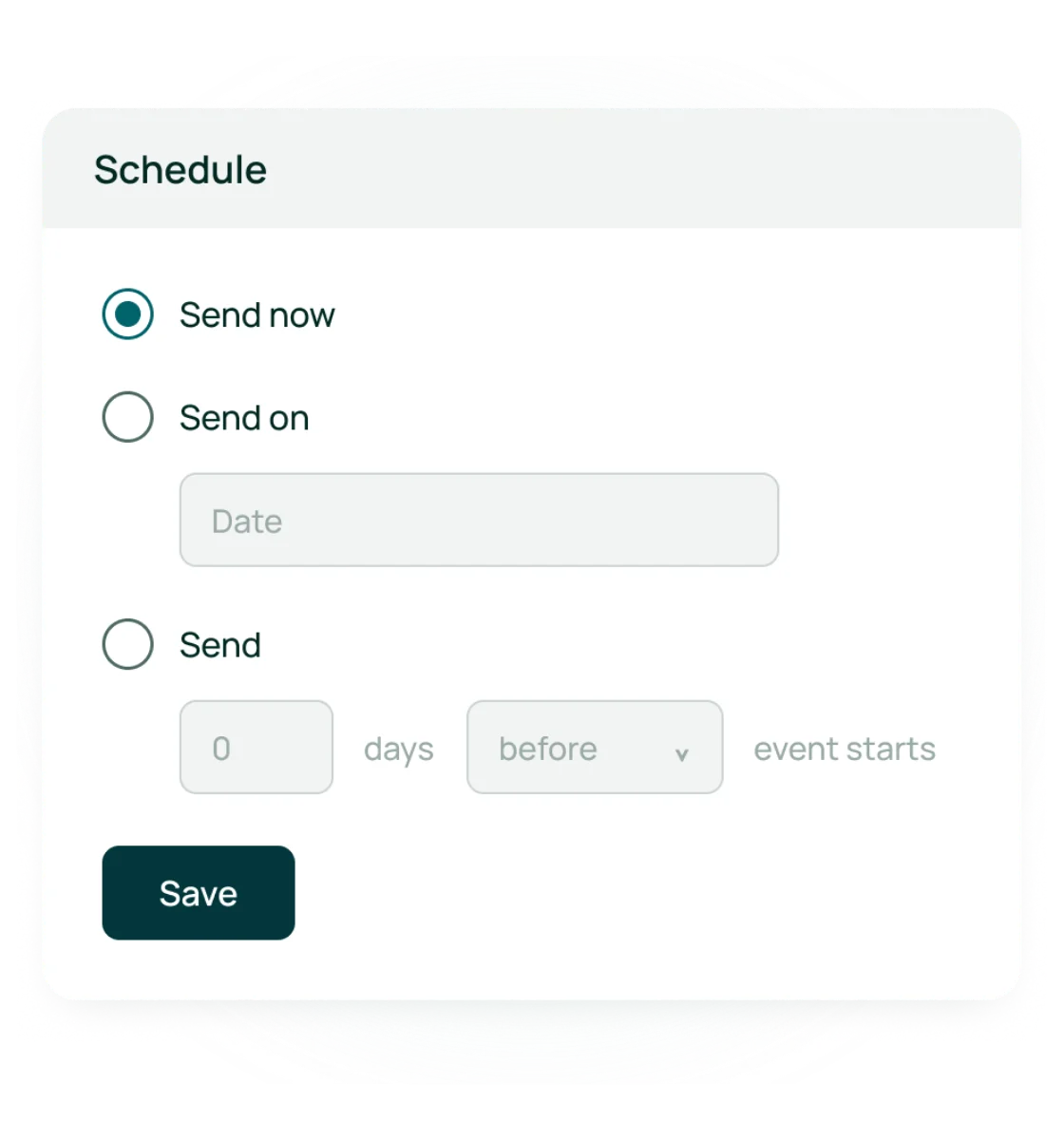
Write it on a Sunday night, while you remember. Set it to go out three days before the course, or on the Thursday, and get on with your week.
Send an invitation to your class, and keep control of who can book.
Automatic confirmations and receipts, scheduled reminders, and whatever else you like.
For the messages that can't wait for an inbox. The pitch is waterlogged, and the text is out by nine. 50p (+ VAT) per text.
Change of hall at five? Send the text from the car park, between classes.
Add a PDF to any message you send, like the term dates or a kit list, and everyone booked gets it.
Invite attendees from a past event, or a list you upload, and see who has used their invitation.
See who has opened and clicked, and what has gone out or is still to go. If someone missed it, send it again.
A reminder before the session means fewer no-shows, so the places you sold get used. And last term's attendees hear about next term from you first.
Order confirmations go out on their own. Everything else you write once and send to everyone booked, from your phone, between classes.
With LetsReg we save at least 7 hours of admin every week. Registration, payment and attendee management all happen automatically, which frees up a lot of time in the day.
Bernt Jo VoleLiverpool International Football AcademyIt has been incredibly successful for us and extremely well received by all the Clubs completing the application and making payment of the entry fees online within minutes!
 Scott BoltonCompetitions Officer · The Football Association
The system has enabled us to create a register of attendees for each event as well as reduce the amount of time spent dealing with registrations on the telephone and via email.
 Carole NelsonClub Secretary · Tedworth Park Polo Club
No subscriptions, no fixed costs. Pay as you go: £1 (+ VAT) + 3.9% on paid bookings. Free events are always free.
Open the attendee list, write the email and send it to everyone booked. The ones who booked an hour ago are on it too.
Yes. Set an SMS reminder to go out before the session, like the morning of the class. Texts cost 50p (+ VAT) each.
Whatever you write: the time, the place and what to bring. Attach the order confirmation and the QR code for check-in is in the same email.
Yes. Send a personal invitation to a private booking page, so only the people you invite can book. It isn't on the event listing. Useful for a committee.
Yes. Message one group, like everyone booked on a specific session, instead of your whole attendee list every time.
Send everyone booked an email or a text the moment plans change, so nobody turns up to a cancelled session.
Yes. Attendees get a confirmation the moment they book, with the details you choose to include, so nobody's left wondering whether it went through.
We don't import attendee history or past bookings, but you can import a list of names and invite everyone on it to book, so a new term starts from people you already know.
No subscriptions, no fixed costs. Free events are always free.